
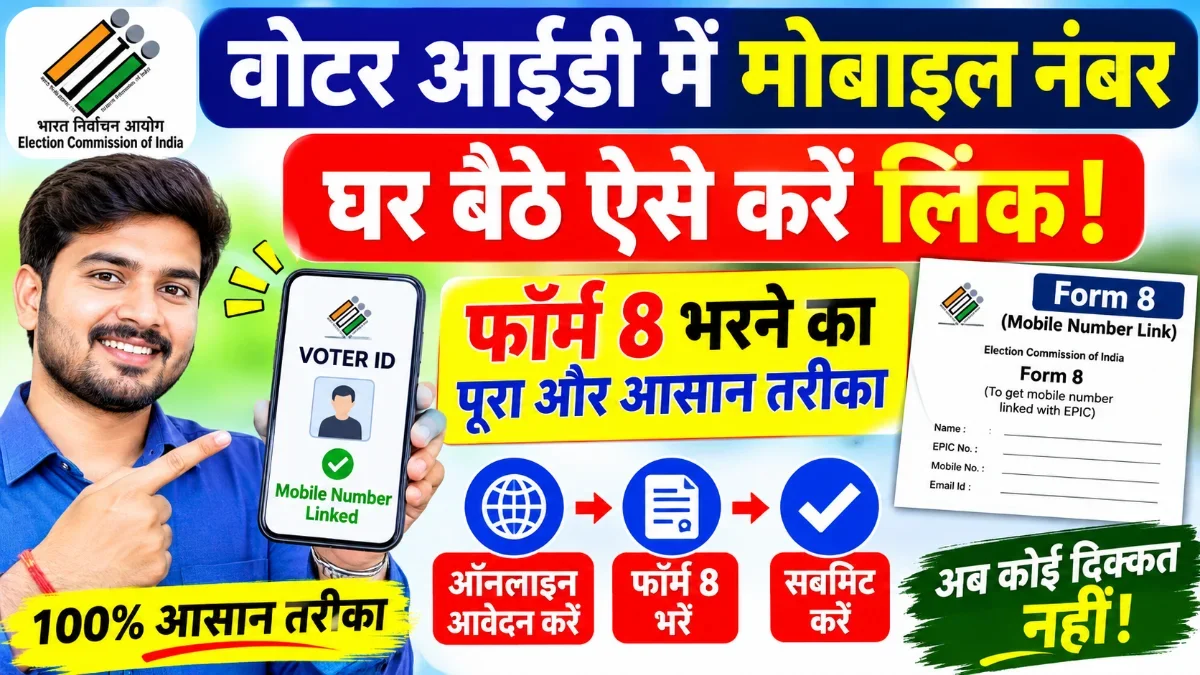
Voter ID Card Mobile Number Linking Online 2026
Election Commission of India (ECI)
Form 8 Update: Short Details of Notification
📋 Table of Contents
Important Dates
- Application Begin: Available Now
- Last Date Apply Online: No Last Date (Ongoing Service)
- Correction Status Check: Available Anytime
Application Fee
- General / OBC / EWS: Rs. 0/-
- SC / ST / PH: Rs. 0/-
- Payment Mode: Free Online Service
Voter ID Card Mobile Number Linking Online Age Limit 2026 : Age Limit as on N/A
Before submitting your application, candidates must ensure they meet the age requirements established by the recruiting authority. The age limit details are provided below:
- Minimum Age: 18 Years
- Maximum Age: No Limit
- Age Relaxation: As per ECI Rules
Note: Age relaxation is applicable as per the official government rules and regulations. Please refer to the full notification for category-wise relaxation details.
Voter ID Card Mobile Number Linking Online Vacancy 2026 Details
| Post Name | Total Post |
|---|---|
| Voter ID Mobile Number Linking / Correction via Form 8 | Ongoing |
Voter ID Card Mobile Number Linking Online Eligibility Criteria 2026
To be considered for the respective positions, candidates must fulfill the specific educational and professional qualifications. Below are the detailed eligibility criteria for each post:
For the post of Voter ID Mobile Number Linking / Correction via Form 8:
Valid Voter ID / EPIC Card
Voter ID Card Mobile Number Linking Online Selection Process 2026
- Stage 1: Online Form 8 Submission with EPIC Details
- Stage 2: OTP Authentication & Verification by Booth Level Officer
How to Apply Online for Voter ID Card Mobile Number Linking Online Recruitment 2026
Ready to apply? Follow these simple step-by-step instructions to submit your online application form without any mistakes:
- Step 1: Visit the official Voter Service Portal and click on the 'Sign Up' option to register using your active mobile number and email address.
- Step 2: Log in to your newly created account using your credentials and select 'Form 8' from the dashboard for corrections in the electoral roll.
- Step 3: Choose between 'Self' or 'Other' and enter your valid EPIC (Voter ID) card number to fetch your existing electoral registration details.
- Step 4: Select the 'Correction in Entries of Electoral Roll' option and choose the mobile number field to update your new contact details.
- Step 5: Enter your new mobile number, complete the OTP verification sent to your phone, and fill in the required location and date details.
- Step 6: Submit the application form and download or save the generated reference number slip to track your linking status.
Important Links for Voter ID Card Mobile Number Linking Online Recruitment 2026
| Some Useful Important Links | |
|---|---|
| Link Description | Action |
| Voter ID Correction Apply | Click Here |
| Official Voter's Service Portal | Click Here |
| Form 8 PDF | Click Here |
| GUIDELINES FOR FILLING UP THE APPLICATION FORM-8 | Click Here |
| Official Website | Click Here |
| Photo & Signature Resizer | Click Here |
Important Questions
Frequently Asked Questions
Q: What is the last date to link a mobile number to a Voter ID?
A: There is no fixed last date to link or update your mobile number with your voter card as it is an ongoing online service provided by the Election Commission of India. Citizens can submit Form 8 anytime throughout the year whenever they change their contact number or wish to update their profile. However, keeping it updated well in advance of upcoming local or national elections ensures seamless access to digital voter slips and polling updates.
Q: Which form is required for mobile number correction in Voter ID?
A: Form 8 is officially designated by the Election Commission of India for making any corrections, including mobile number updates, address changes, or personal detail modifications in existing voter cards. Applicants must select the specific correction category within Form 8 on the voter service portal. You can fill this out digitally without needing to visit any government office physically.
Q: How can I check if my mobile number is successfully linked?
A: You can track the status of your request by logging into the Voter Helpline App or the official web portal using the reference number generated after submitting Form 8. The dashboard status will update once the electoral registration officer verifies and accepts your application. Keep your reference slip safe until the update status reflects successfully online.
Q: Do I need any document proof to update my mobile number?
A: For simple mobile number linking or corrections via Form 8, uploading heavy identity documents is generally not mandatory as authentication happens instantly via OTP sent to the new mobile number. However, if you are simultaneously applying for other changes like name or address correction, relevant supporting documents must be uploaded in prescribed formats. Always ensure your OTP verification is completed smoothly before final submission.
E
Written & Fact-Checked by
Editorial Team
✓ Verified Source
Last Updated: 21 November 2026
Disclaimer: We strive to provide accurate and timely information. However, candidates are strongly advised to verify all details regarding vacancies, eligibility, and fees directly from the official notification PDF and the official website before applying.