
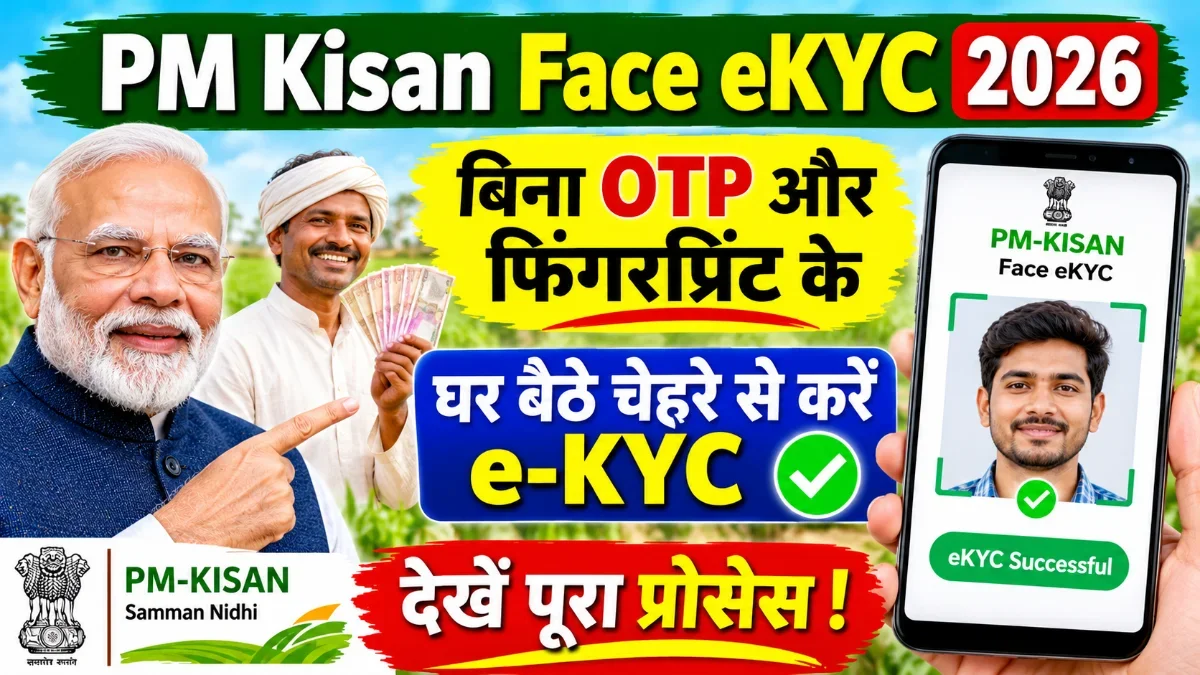
PM Kisan Face eKYC 2026 Online Process
Pradhan Mantri Kisan Samman Nidhi Yojana
PM-Kisan Face eKYC 2026: Short Details of Notification
📋 Table of Contents
Important Dates
- Application Begin: Available Now
- Last Date Apply Online: Ongoing
- Last Date Pay Exam Fee: N/A
- Admit Card Available: N/A
- Exam Date: N/A
Application Fee
- General / OBC / EWS: Rs. 0/-
- SC / ST / PH: Rs. 0/-
- Payment Mode: Free (Online)
PM Kisan Face eKYC Online Process Age Limit 2026 : Age Limit as on N/A
Before submitting your application, candidates must ensure they meet the age requirements established by the recruiting authority. The age limit details are provided below:
- Minimum Age: Not Applicable
- Maximum Age: Not Applicable
- Age Relaxation: As per Scheme Rules
Note: Age relaxation is applicable as per the official government rules and regulations. Please refer to the full notification for category-wise relaxation details.
PM Kisan Face eKYC Online Process Vacancy 2026 Details
| Post Name | Total Post |
|---|---|
| PM Kisan Beneficiary Face eKYC 2026 | All Registered Farmers |
PM Kisan Face eKYC Online Process Eligibility Criteria 2026
To be considered for the respective positions, candidates must fulfill the specific educational and professional qualifications. Below are the detailed eligibility criteria for each post:
For the post of PM Kisan Beneficiary Face eKYC 2026:
Registered under PM Kisan Samman Nidhi Yojana with Aadhaar Card
PM Kisan Face eKYC Online Process Selection Process 2026
- Stage 1: Download PMKISAN GoI & Aadhaar FaceRD Apps
- Stage 2: Facial Authentication & e-KYC Completion
How to Apply Online for PM Kisan Face eKYC Online Process Recruitment 2026
Ready to apply? Follow these simple step-by-step instructions to submit your online application form without any mistakes:
- Step 1: Open Google Play Store on your Android smartphone and search for 'PMKISAN GoI' and 'Aadhaar Face RD' applications, then download and install both apps.
- Step 2: Open the PMKISAN GoI app, click on the Login option, enter your registered Aadhaar number, and proceed to the Facial eKYC login section.
- Step 3: Create a secure 6-digit MPIN for future application sign-ins and select the 'EKYC For Other Beneficiary' option if you are updating for yourself or another family farmer.
- Step 4: Enter the beneficiary's Aadhaar number carefully and click on 'Start e-KYC', then input your 6-digit MPIN to authorize the session.
- Step 5: Position your face inside the red circular frame in a well-lit area, blink your eyes as instructed, and wait for the scanner ring to turn green for successful capture.
- Step 6: Once the facial scan is verified successfully, your e-KYC status will be updated instantly. Save a screenshot or check your status on the official PM Kisan portal.
Important Links for PM Kisan Face eKYC Online Process Recruitment 2026
| Some Useful Important Links | |
|---|---|
| Link Description | Action |
| PM – kisan Official Website | Click Here |
| Know Your Status Link | Click Here |
| PMKISAN Gol App Link | Click Here |
| Aadhaar Face RD Link | Click Here |
| Photo & Signature Resizer | Click Here |
Important Questions
Frequently Asked Questions
Q: What is the last date to complete PM Kisan Face eKYC 2026?
A: There is currently no strict final deadline announced, but completing it immediately is strongly recommended to avoid installment payment delays. Farmers should finish the facial authentication process well in advance of the next installment release date to ensure smooth fund transfer directly to their bank accounts.
Q: What documents and apps are required for Face eKYC?
A: You need an active smartphone with a front camera, an internet connection, your Aadhaar card number, and two official mobile apps downloaded from the Play Store: PMKISAN GoI and Aadhaar FaceRD. No physical documents or prints are required for this digital procedure.
Q: How can I pay the application or service fee for face eKYC?
A: The PM Kisan Face eKYC service provided by the government through its official mobile application is completely free of cost. If any third party or cyber cafe asks for money, do not pay them as you can easily do it yourself at home.
Q: What should I do if my face scan fails or times out during eKYC?
A: If facial recognition fails, ensure you are sitting in a well-lit room with adequate brightness facing the camera directly. Additionally, check that both the PMKISAN GoI and Aadhaar FaceRD apps are updated to their latest versions from the Google Play Store and restart your phone.
E
Written & Fact-Checked by
Editorial Team
✓ Verified Source
Last Updated: 20 November 2026
Disclaimer: We strive to provide accurate and timely information. However, candidates are strongly advised to verify all details regarding vacancies, eligibility, and fees directly from the official notification PDF and the official website before applying.